

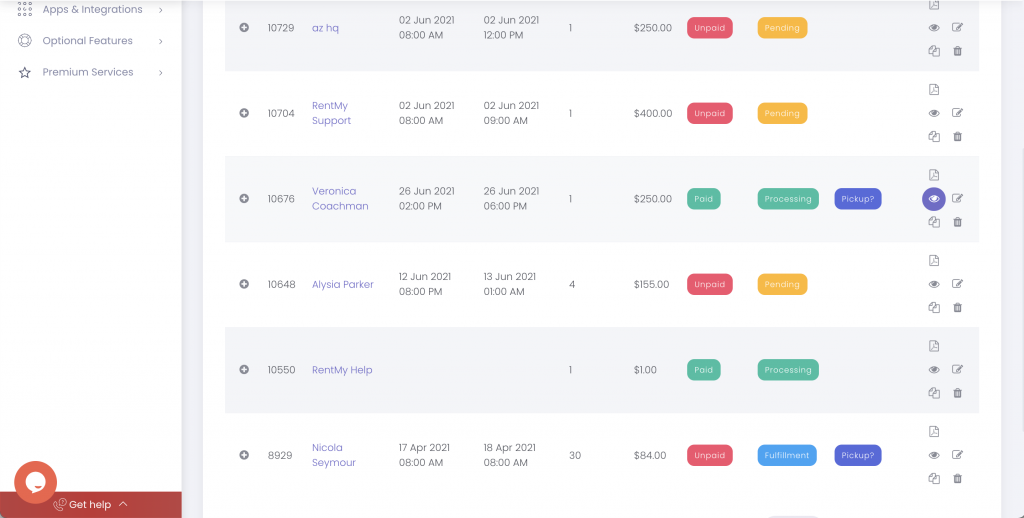
Refund deposit and/or other charges, locate the order in the Orders > Reservations screen and click the eye icon.
Scroll to the Payment Details area of the screen.
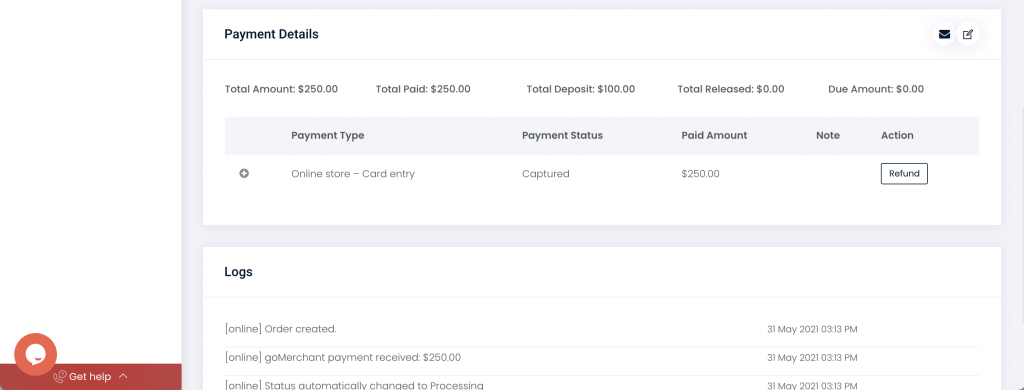
Click the Refund button and enter the amount to be refunded.
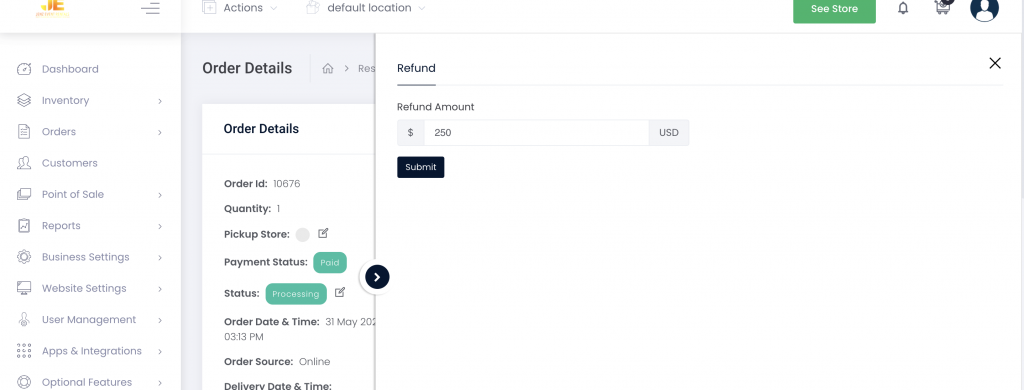
Note: Users of Stripe and RentMy Payments will have refunds applied to the credit card used to place the order. Users of other providers must perform the refund through their processor directly.
Category:Payments
Share: