

Sending proposals/quotes to customers is easy with RentMy.
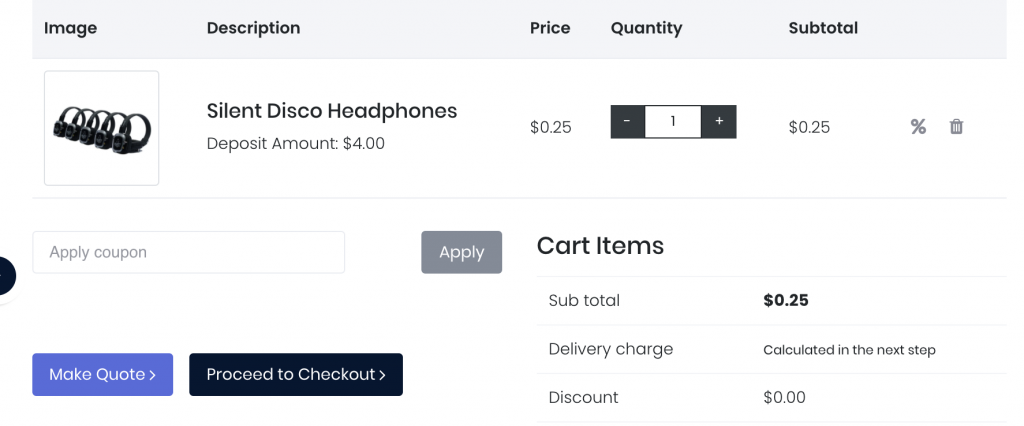
To get started, start the "Create New Order" process and add products and discounts as desired. Once all of the products have been added, click the "Make Quote" button.
Lookup (or add) customer information, including an email address to which the quote will be sent.
Complete the order as normal, including selecting fulfillment methods (pickup, delivery, shipping) and complete the quote.
Once the proposal has been completed, RentMy will send the proposal to your customer.
Upon receipt of your proposal via email, your customer can review the products, discounts, taxes, fees, terms & conditions and other elements of your proposal.
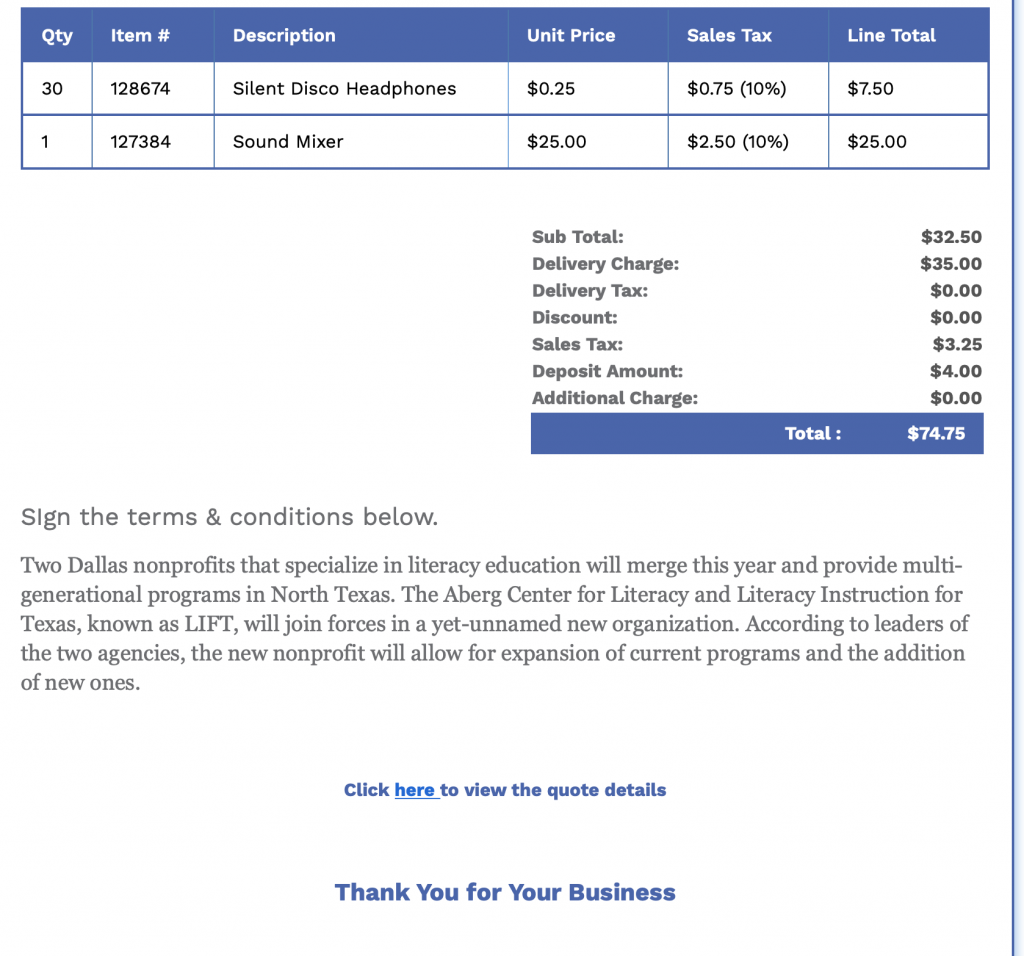
When your customer clicks the "Click here to view the quote details", your customer will be directed to the payments screen of your eCommerce website.
By clicking the "Accept Quote" button, your customer is taken to your Payments page.
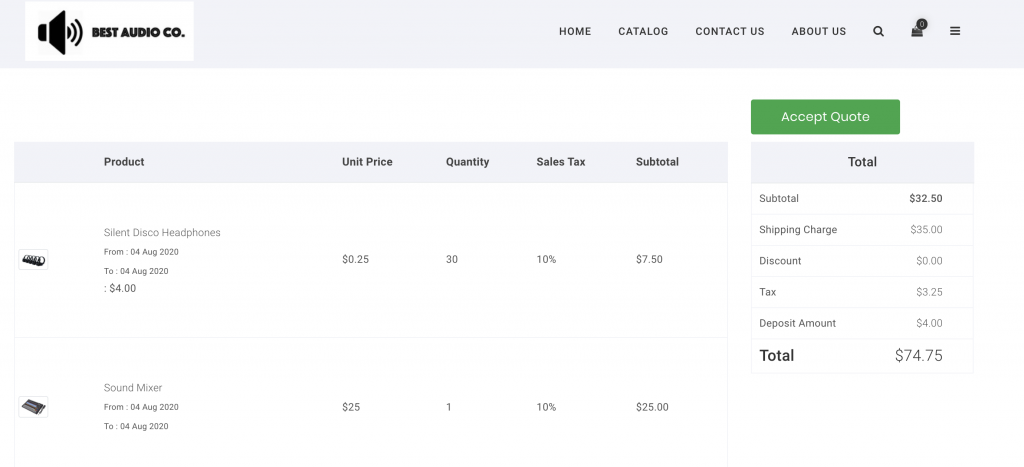
Once paid, the Quote will be converted to an order, which will reserve inventory on the proposal and will be added to your Orders list.